

Compress PDF Online Free: Reduce File Size
Shrink heavy PDF documents for email attachments and portal uploads. Choose preset quality levels or exact file size targets in KB.
Drop your PDFs here
or click to browse. Compress one PDF or a whole batch.
Compress PDF Files Privately in Your Browser
Shrink contracts, brochures, scans, and reports in your browser. Your files never leave your device.
Compress PDF to a Target File Size
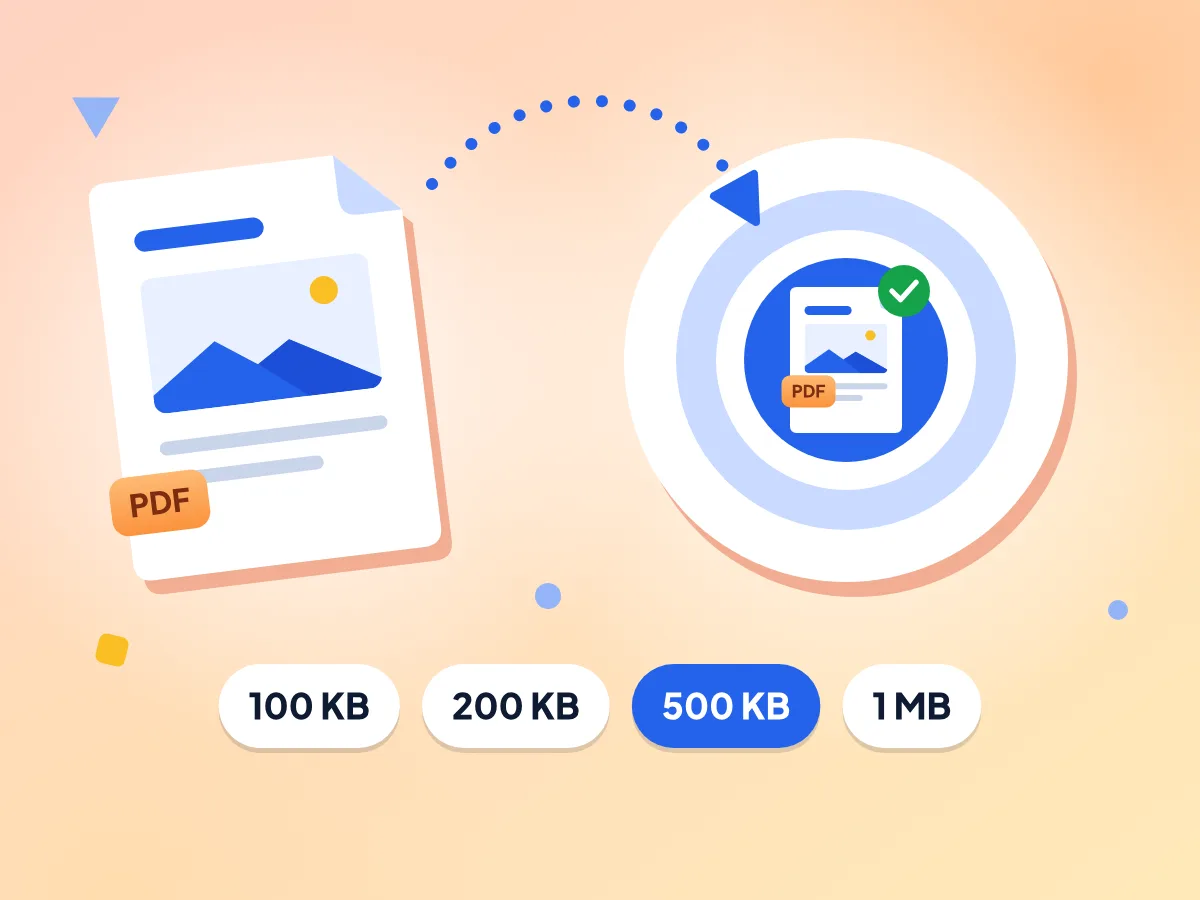
Pick a 100KB, 200KB, 500KB or 1MB target and the tool finds the sharpest quality that fits. It tests a few pages first, then aims about 5% under your limit.
- Quick picks: 100KB, 200KB, 500KB and 1MB
- Aims about 5% under your target
- Re-checks the real size and retries if over
PDF Files Stay on Your Device
Your PDF opens in this browser tab and the compressed copy saves straight to your device. Signed contracts and other private papers never leave your computer or phone.
- Your PDF never leaves your device
- Contracts stay on your device
- The smaller copy saves to your downloads
Three Quality Levels With Size Estimates
Low keeps pages sharper at 144 DPI, Medium uses 108 DPI and High uses 72 DPI with stronger compression. With one PDF loaded, each level shows an estimated size before you compress.
Keep Text Mode for Selectable Text
Keep text mode repacks the file instead of turning pages into images, so text stays selectable and searchable, and links and form fields keep working. Files shrink less this way.
Before and After Preview
Drag a slider across the page to compare the original with the compressed version, and step through every page. Check that small print is still readable before you download.
Batch Compress PDF Files, Free
Drop in as many PDFs as you like. They compress one after another with a status for each file, then download them one by one or all together as a ZIP.
How to Compress a PDF in 3 Steps
Add your PDFs.
Drop one PDF or a whole batch onto the page, or click to choose files from your computer or phone.
Pick how to compress.
Choose a quality level, set a target size, or switch to Keep text mode to keep text selectable. Turn on Grayscale for scanned paperwork.
Compress and download.
Press Compress PDF, or Compress All for a batch, then check the before and after slider. Save the compressed PDF, or the whole batch as one ZIP.
Who Needs to Reduce PDF File Size
Anyone who has been told "file too large" by an email provider or an upload form.
Upload Forms With Size Caps
Online portals and application forms set hard per-file limits and reject anything over them. Target size mode aims just under the cap you type in.
- Fit a scanned application under a portal's size cap
- Shrink a scanned certificate for an online form
- Reduce a multi-page report to fit an upload limit
Reduce PDF Size for Email
Email services cap attachments, such as 25MB in Gmail and 20MB in Outlook. Compress large reports and brochures to fit, with every page kept in the same order.
- Get a PDF under Gmail's 25MB attachment limit
- Shrink a brochure to fit Outlook's 20MB cap
- Send smaller invoices and quotes to clients by email
Storage, Archives, and Web Publishing
Smaller PDFs take less cloud storage and sync faster. Scanned paperwork shrinks the most, and a whitepaper on your site downloads quicker on mobile data.
- Compress scanned paperwork before you archive it
- Speed up syncing shared folders in Dropbox or Drive
- Cut download time for gated PDFs
Frequently Asked Questions
Answers to common questions about how to compress a PDF file online.
How do I compress a PDF file to make it smaller?
Add your PDF, pick a quality level or a target size, and press Compress PDF. These modes redraw each page as a JPEG image, so scans and photo-heavy files shrink the most. A text-only file may barely shrink, and if it would grow you get the original back, so use Keep text mode for those.
Does compressing a PDF reduce quality?
Yes in Quality and Target size modes, because each page becomes a JPEG image, so text is no longer selectable and links stop working. Low renders at 144 DPI, Medium at 108 DPI and High at 72 DPI. Keep text mode doesn't redraw pages, so the original look stays.
How do I compress a PDF to a specific file size?
Choose Target size mode, then tap 100 KB, 200 KB, 500 KB or 1 MB, or type your own size in KB or MB. The tool tests a few sample pages to pick the sharpest quality that fits, aiming about 5% under. If the size can't be reached, it still saves the smallest file it made and shows its size.
How do I compress a PDF without losing quality?
Use Keep text mode. It repacks the file's internal structure instead of redrawing pages, so text stays selectable and searchable, and links and form fields keep working. The trade-off is size: savings are much smaller than the Quality levels, and a tightly packed PDF may barely shrink.
What compression level should I use for a PDF?
Start with Medium, the default, for email and everyday sharing. Pick Low when small print must stay crisp, and High when the file has to be as small as possible. The size estimate next to each level helps you choose before you press Compress PDF.
What is the difference between Quality and Target size mode?
Quality mode applies one fixed setting, so the final size depends on your PDF. Target size mode starts from the size you need, such as 500KB, and picks the quality for you. Both turn pages into images; Keep text mode is the only one that doesn't.
How do I compress a scanned PDF?
Use Quality mode at Medium or High, or set a target size. Scans are pictures already, so redrawing them as compressed JPEG pages usually cuts the size the most. If color doesn't matter, turn on Grayscale under Advanced for a smaller file.
Can I compress multiple PDFs at once?
Yes. Drop in as many PDFs as you like and press Compress All. They share the same settings and compress one at a time, which uses less memory on phones. Download any finished file on its own, remove one from the queue, or save them all as one ZIP.
Why did my compressed PDF get bigger?
It shouldn't any more. If compressing makes a PDF bigger, the tool keeps your original and tells you so. This mostly happens with text-only files, because Quality and Target size modes turn every page into a picture, which can take more space than text. Try Keep text mode for those.
Can I compress a password-protected PDF?
Only if it opens without a password. A PDF that asks for a password to open is blocked, with a message to remove the password first. Files that only restrict printing or copying work in all three modes, including Keep text. In a batch, a locked file is marked Failed.
Is it safe to compress a PDF online?
Yes. Your PDF is read and compressed on your own device, and the new copy saves straight to your downloads. The page records only basic usage stats, such as file type, your settings, a file size range and error messages, never the PDF itself or its name.
Is there a file size limit for compressing a PDF?
No. The tool sets no limit on file size, page count or the number of PDFs, and there's no daily cap or account. The whole PDF loads into your device's memory, though, so a very large scan can fail on a phone or older laptop.
Explore More Tools
Discover other free tools that work great alongside this one
Compress PDF to 100KB
Hit a strict 100KB upload cap on government and visa forms
Compress PDF to 200KB
Fit job portals and university applications that cap at 200KB
Compress PDF to 500KB
Meet the 500KB limit used by court e-filing and tender portals
Compress PDF to 1MB
Get reports and contracts under a 1MB attachment limit
PDF Merger
Combine multiple PDFs into one document
PDF Splitter
Split a PDF into individual pages or custom ranges
PDF to Image
Export PDF pages as JPG or PNG images
Image to PDF
Convert JPG, PNG, WebP images to a PDF document
Image Compressor
Reduce file size without losing quality