

Convert PNG to JPG Free Online (Bulk)
Convert PNG images to compact JPG format in seconds. Customize background fill color for transparent areas with no quality degradation.
Drop your images here
PNG
Max file size: 100 MB · Multiple files supported
How to Convert PNG to JPG Online
Drop in your PNGs.
Drag PNG files onto the box above or use Choose images. Screenshots, logos and photos all work, up to 100 MB per file.
Set quality and background.
JPG is preselected. Lower Quality for smaller files or raise it for sharp text, and pick the color that fills transparent areas. Then press Convert All.
Download the results.
Each file shows its new size and how it changed. Save files one by one, or press Download All to get them in one ZIP.
PNG vs JPG/JPEG: What Changes
Understanding the differences between PNG and JPG/JPEG helps you choose the right format for your needs.
| Specification | PNG | JPG/JPEG |
|---|---|---|
| Compression | Lossless | Lossy |
| Quality | Excellent | Good to Excellent |
| Transparency | Yes | No |
| Animation | No | No |
| File Size | Medium to Large | Small to Medium |
Why convert from PNG?
- Larger file sizes than JPG
- Not ideal for photographs
- Limited browser support for advanced features
Why choose JPG/JPEG?
- Excellent compression for photographs
- Universal browser and device support
- Small file sizes
When to use PNG
When you need transparency, lossless quality, or working with graphics and logos.
When to use JPG/JPEG
When you need small file sizes for photographs or complex images with many colors.
Why Choose Our Free PNG to JPG Converter?
Shrink PNGs into JPGs at full width and height, one file or a big batch, with no sign-up, no watermark and no daily limit.
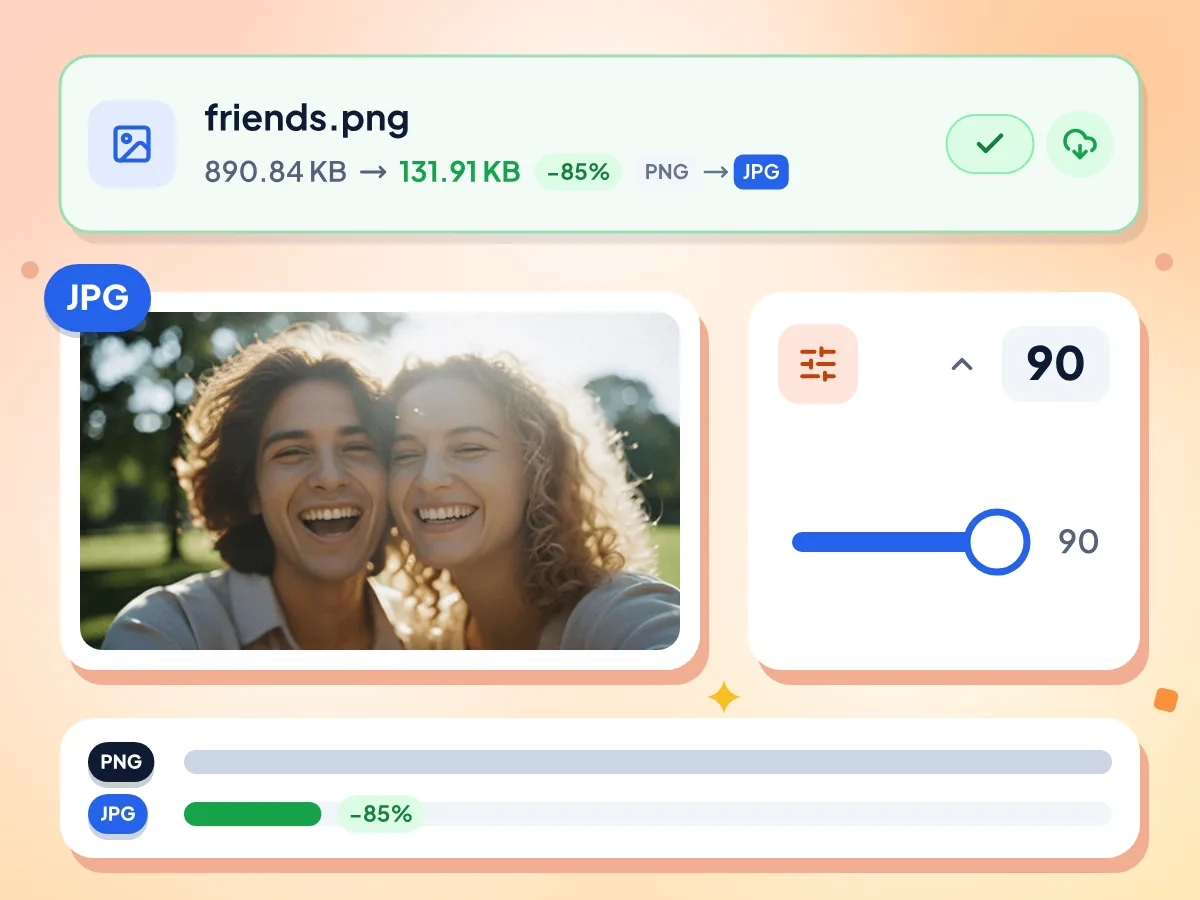
Convert Big PNG Files to Small JPGs
Photos saved as PNG are often several times larger than the same picture as a JPG. In our test, an 891 KB photo PNG became a 132 KB JPG at the default quality of 90.
- An 891 KB photo PNG became 132 KB
- Quality from 1 to 100, starting at 90
- Every file shows its new size
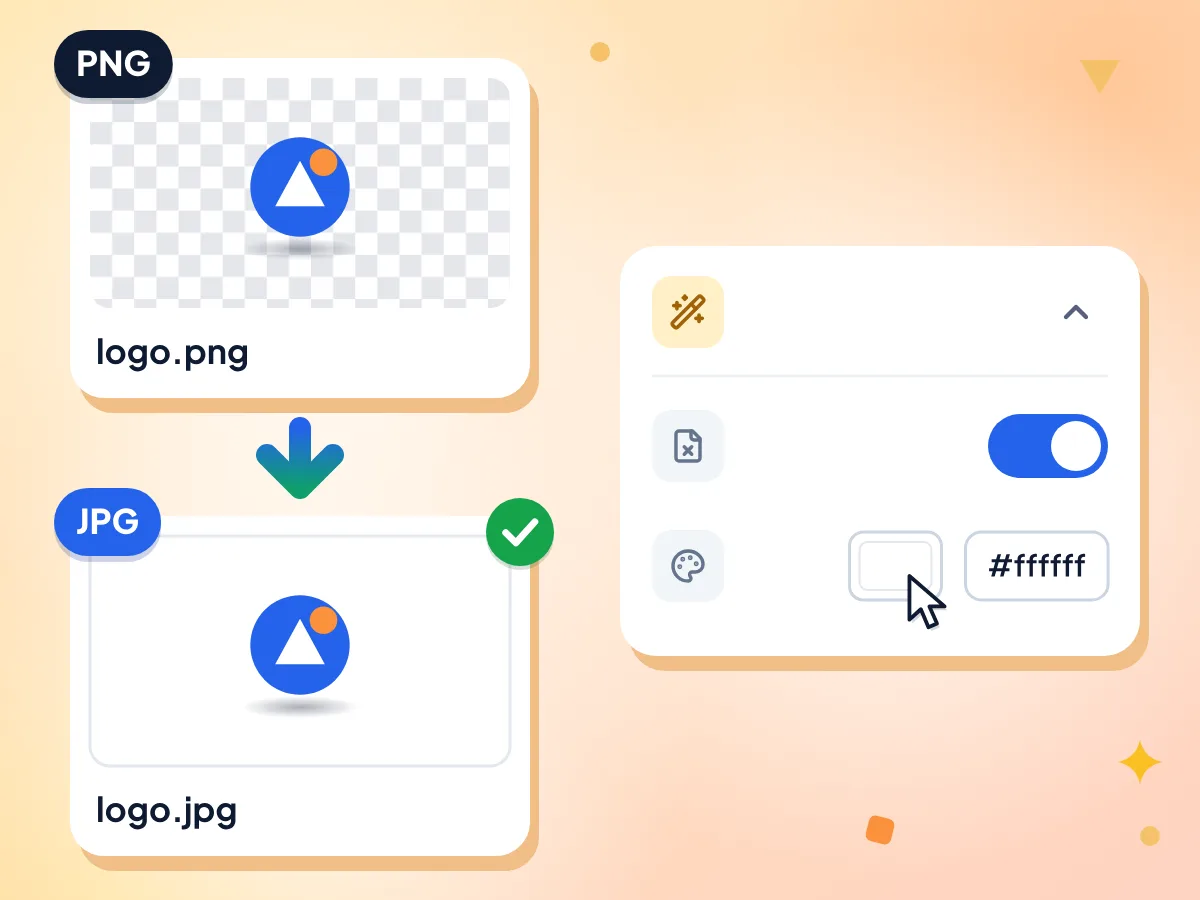
PNG to JPG With a White Background
JPG can't store transparency, so see-through parts of a PNG need a solid fill. White is the default, and the Background picker under Advanced takes any color or hex code.
- White is the default fill color
- Pick any color or type a hex code
- Advanced opens on its own for PNGs
Convert Many PNGs at Once
Add as many PNG files as you need, up to 100 MB each. They share one set of settings, and two or more finished JPGs download together as a single ZIP.
Frequently Asked Questions: PNG to JPG
Answers about file size, quality and transparent backgrounds when you convert PNG to JPG.
How do I convert PNG to JPG without losing quality?
Keep Quality at 90 for photos and raise it toward 100 for screenshots, charts and small text, where JPG softening shows first. No JPG is fully lossless. Watch the size chip, though: at 100, our 120 KB cutout PNG grew into a 374 KB JPG.
Does converting PNG to JPG reduce the file size?
Usually, and by a lot for photos. In our tests at the default quality of 90, an 891 KB photo PNG became a 132 KB JPG and a 503 KB logo became 46 KB. Images with large clear areas shrink less: one cutout went from 120 KB to 101 KB.
How do I convert a PNG to JPG with a white background?
You don't need to change anything: white is the default fill for transparent areas. For another color, open Advanced and use the Background picker or type a hex code, such as #000000 for black. The color applies to every file in the batch.
Can I keep the transparent background when converting PNG to JPG?
No. JPG has no way to store transparency, so those areas always get a solid color. If you need a smaller file that stays see-through, pick WebP in the Output Format menu instead, or keep the PNG for logos you place on colored pages.
Why do my logo's edges look pale or dark after converting?
Soft edges in a PNG are partly see-through, and in a JPG they blend with the Background color. A logo flattened on white shows a light fringe on a dark page. Set Background to the color of the page or slide where the JPG will go.
Can I convert multiple PNG files to JPG at once?
Yes. Select or drop all your PNGs together, up to 100 MB each, with no cap on how many. Quality, Resize and Background apply to the whole set. When two or more are finished, Download All saves them in one ZIP file.
Does converting PNG to JPG remove metadata?
Yes, by default. Strip metadata is switched on, so text notes, EXIF and XMP blocks inside the PNG are left out of the JPG, while any color profile is kept so colors stay the same. To keep the metadata, open Advanced and switch Strip metadata off.
Can I convert PNG to JPG on my phone?
It should work in a mobile browser: tap Choose images, pick your PNGs and press Convert All. Phones have less memory than computers, so convert big screenshots in smaller groups. Each JPG saves like any other download from your browser.
Why won't my PNG convert to JPG?
Check that the file ends in .png and is 100 MB or smaller, because other files are turned away on this page. If a tile shows an error, press its retry button. A memory error means the image is too big for your browser, so try it alone or on a computer.
Is this PNG to JPG converter free and private?
Yes. It's free with no sign-up, no watermark and no daily limit. Your PNGs are converted inside this browser tab and never sent to a server. The page fetches its 14 MB image engine once and counts page visits, but never your files or their names.
Top Reasons to Convert PNG to JPG
For Websites & Blogs
- Swap heavy PNG photos for lighter JPGs so pages load faster
- Fit hero images under a site builder's upload size limit
- Resize PNG screenshots to one width while converting
For Email & Chat
- Shrink PNG attachments so they fit under email size limits
- Paste transparent logos into documents on a white background
- Share photo PNGs in chat apps without huge downloads
For Storage & Uploads
- Free up disk space by converting a folder of photo PNGs
- Upload images to job, school or visa portals that only accept JPG
- Print photos at shops and online services that ask for JPG
Explore More Tools
Discover other free tools that work great alongside this one